










Hover Timing
意図を汲み取るホバーと切り替えの遅延設計
ホバーの遅延は固定値ではなく、ユーザーの意図に合わせて変えるもの。グループ内のウォームアップ、移動中の猶予、サイズに応じた待ち時間、カスケードメニューの誤作動防止という4つの原則を、操作できるデモとともに解説します。
ホバーの遅延は、ひとつの固定値で決め打ちするものではありません。短すぎればカーソルが通り過ぎるたびに誤って反応して画面中がちらつき、長すぎれば今度はインターフェースが鈍く感じられます。よいホバー操作の鍵は、ユーザーの「意図」に応じて待ち時間と許容範囲を動的に調整することです。
グループ内の「ウォームアップ」
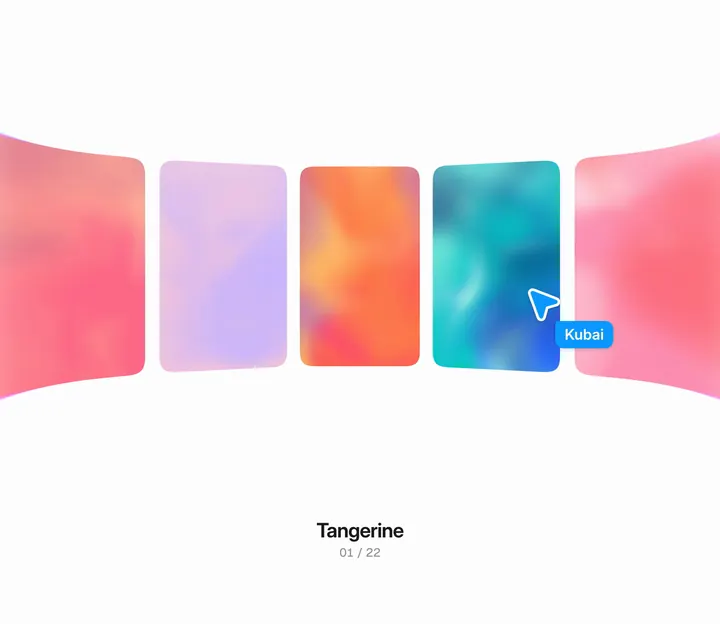
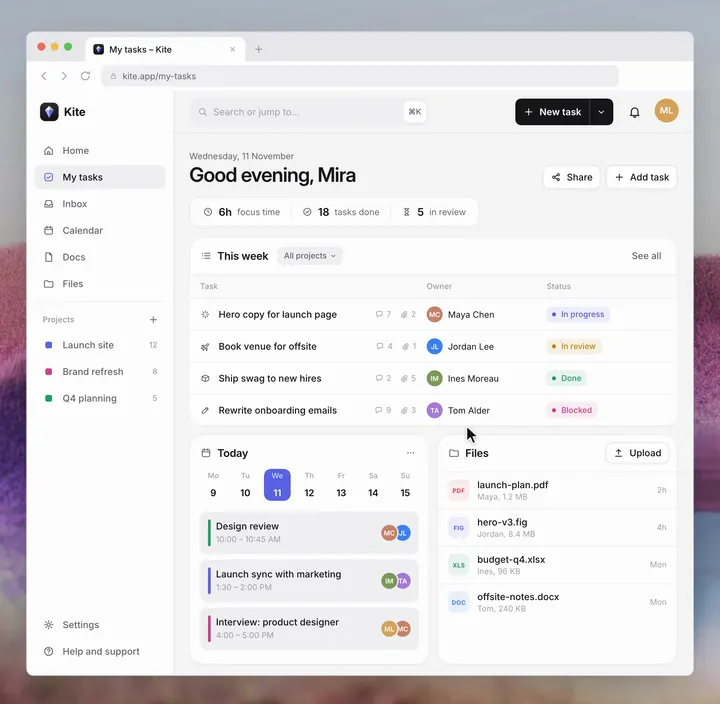
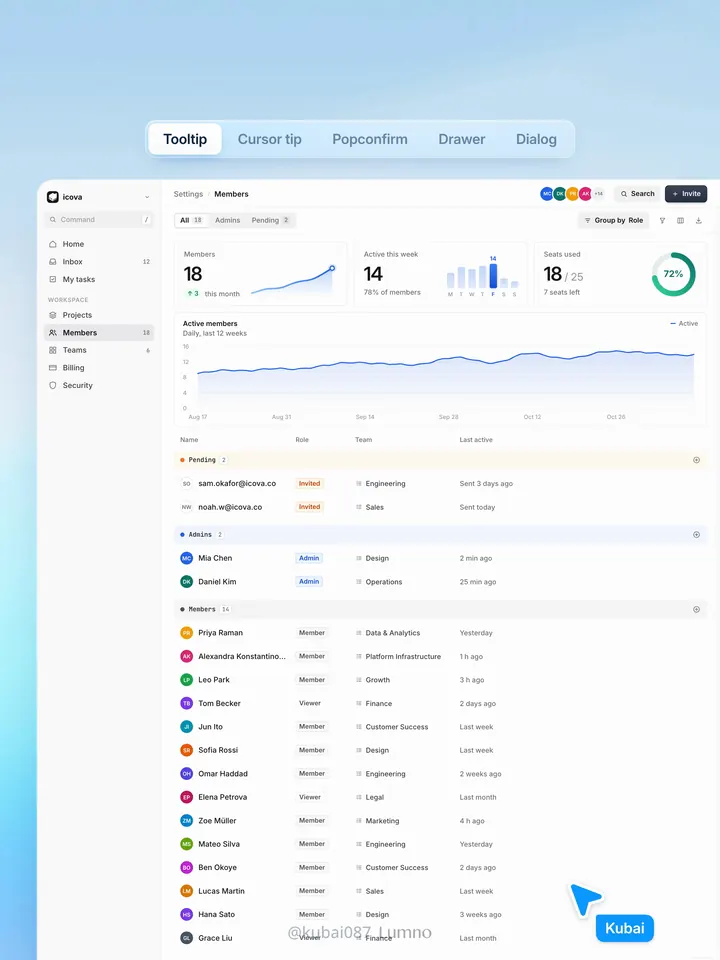
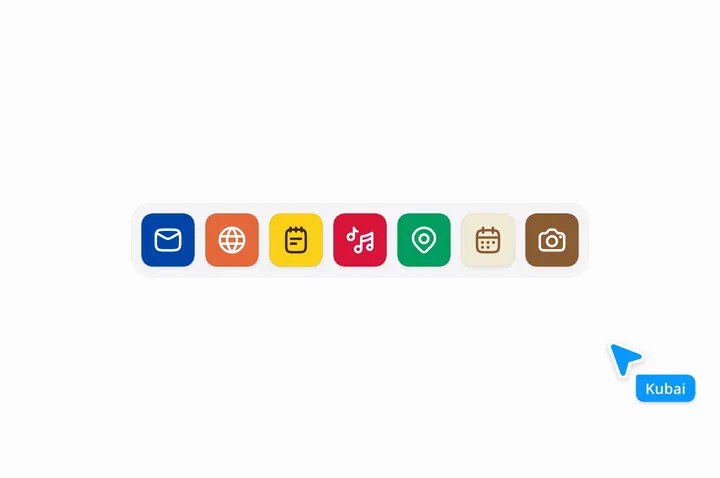
同列の要素が密集して並ぶ場合、最初のホバーには 300〜500ms のウォームアップ遅延を設け、カーソルがたまたま通過しただけの動きを除外します。これで通り道にツールチップが次々と現れるのを防げます。最初のツールチップが表示されたら、ユーザーは能動的に見て回っている状態です。以降はグループ内で移動しても待ち時間を省き、0ms で即座に表示します。カーソルがグループ全体から離れて約 400ms 経ったら、クールダウンして初期状態に戻します。
- 適用シーン:ツールバー、アバターグループ、画面下部の Dock・ナビゲーションバー
- 設定値:初回ホバー 300〜500ms、グループ内の切り替え 0ms、離れてから約 400ms でリセット
移動中の猶予
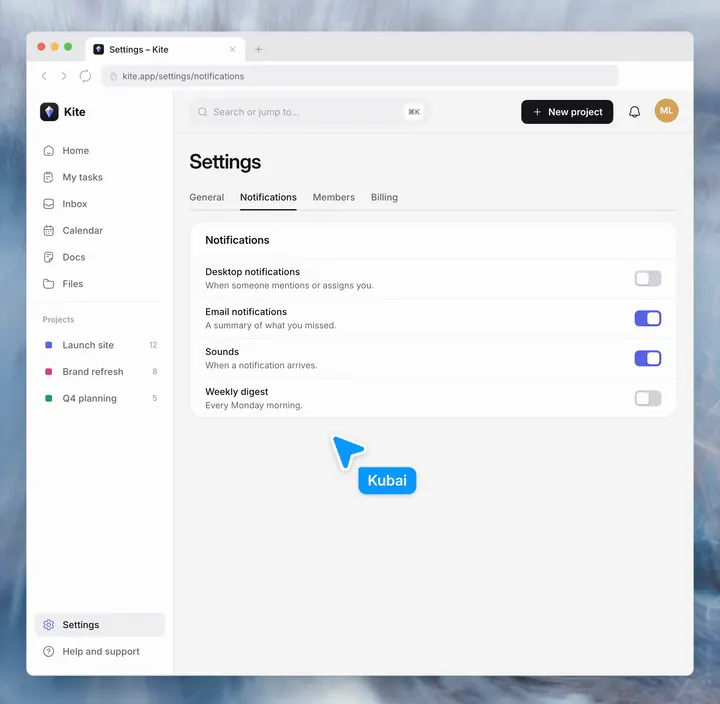
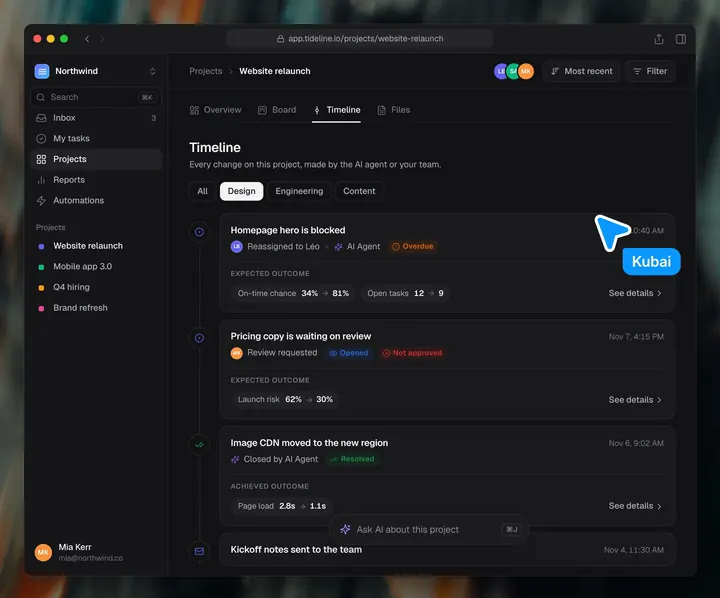
ホバーで開き、さらにカーソルを中へ移してクリックするようなインタラクティブなオーバーレイでは、カーソルが境界を出た瞬間に閉じてしまうのが最も避けたい挙動です。トリガーとオーバーレイの間にある物理的な隙間には目に見えない「ブリッジ領域」を敷き、移動の途中で途切れないようにします。あわせて、カーソルがオーバーレイから外れたあとも 150〜300ms の猶予を残し(大きなプレビューなら 400ms まで)、手の滑りやカーソルの揺れ、勢い余った一瞬のはみ出しを許容します。
- 適用シーン:ドロップダウンメニュー、ホバーカード(Hover Card)、ポップオーバー形式の操作パネル
- 設定値:隙間に透明なブリッジ、離脱後の猶予 150〜300ms、大きなプレビューは 400ms
サイズで待ち時間を決める
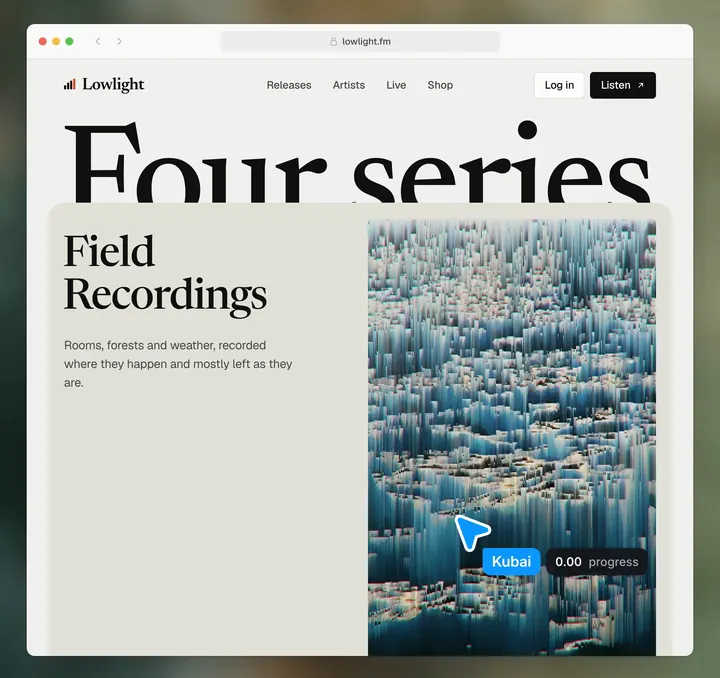
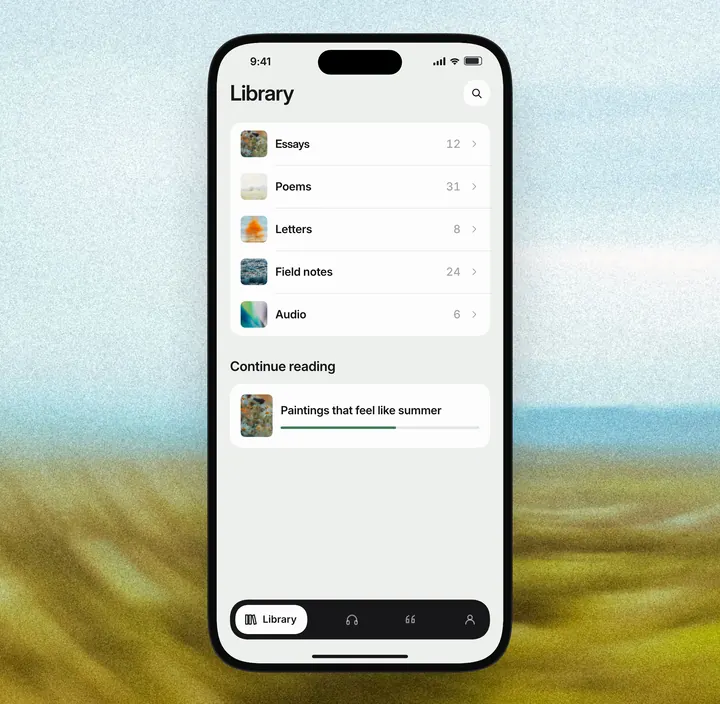
オーバーレイが開くまでのハードルは、それが「画面を覆う量と割り込みの強さ」に比例させます。面積が大きく情報量が多いほど遅延を長くし、ユーザーが本当に見たいと確かめてから表示します。1行だけの軽い補足(ショートカットの説明など)は1つ目の原則と同じ 300〜500ms、プロフィールカードのような中くらいのオーバーレイは 500〜700ms、ドキュメントのプレビューやリッチメディアの大きなカードなど面積の大きいオーバーレイは 700〜900ms とします。
- 適用シーン:1行のツールチップ、リンクプレビューの大きなカード、詳細オーバーレイ
- 設定値:軽い補足 300〜500ms、プロフィールカード 500〜700ms、大きなプレビュー 700〜900ms
カスケードメニューの誤作動防止
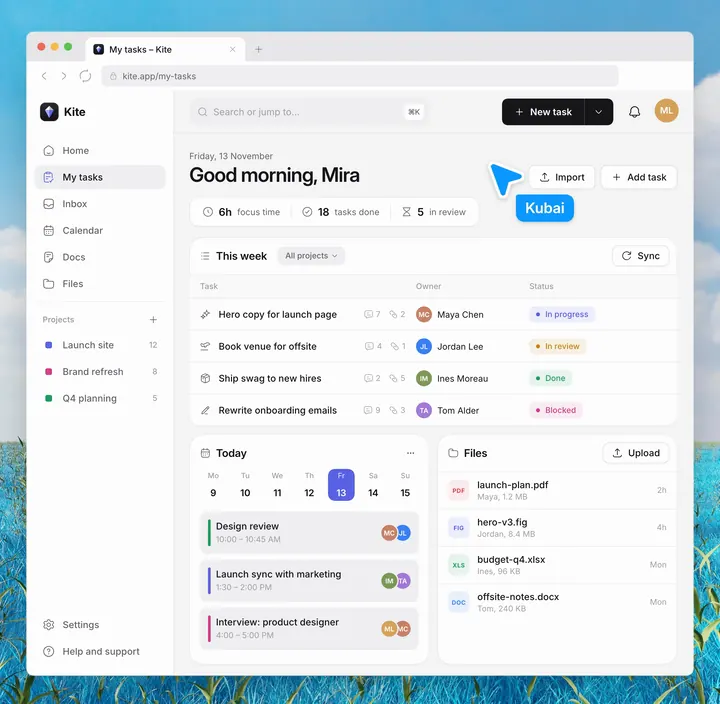
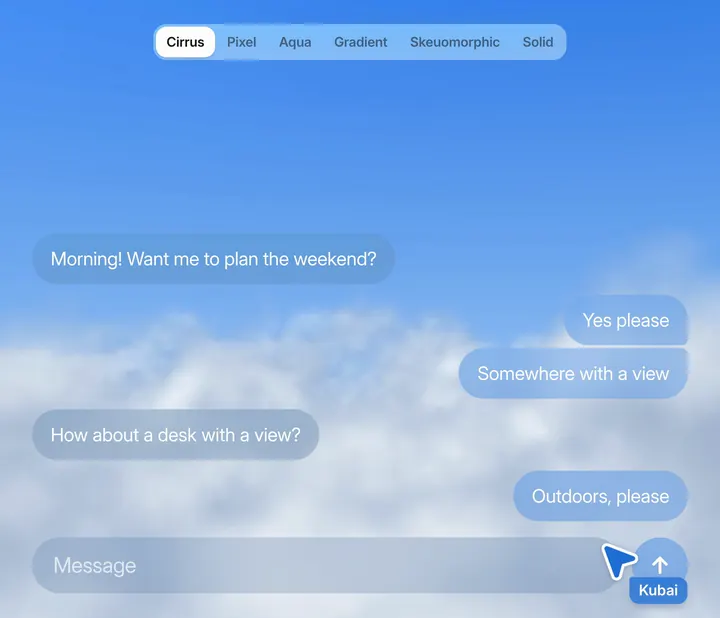
カスケードメニューでは、右側のサブメニューへ向かうカーソルの軌跡はたいてい斜めになり、上下の隣接項目をどうしてもかすめます。通過する項目に 150〜250ms の切り替え遅延を入れれば、途中で誤って切り替わり、開いているサブメニューが中断されるのを防げます。待ち時間ゼロのさらに滑らかな操作感を求めるなら、カーソルの軌跡にもとづく「セーフエリア(安全三角形)」を加えましょう。詳しくは 002 カスケードメニューのセーフエリア を参照してください。
- 適用シーン:多階層の右クリックメニュー、カスケード型のカテゴリナビゲーション、入れ子のオーバーレイ
- 設定値:切り替え遅延 150〜250ms、さらに進めるならセーフエリア
AI に任せる
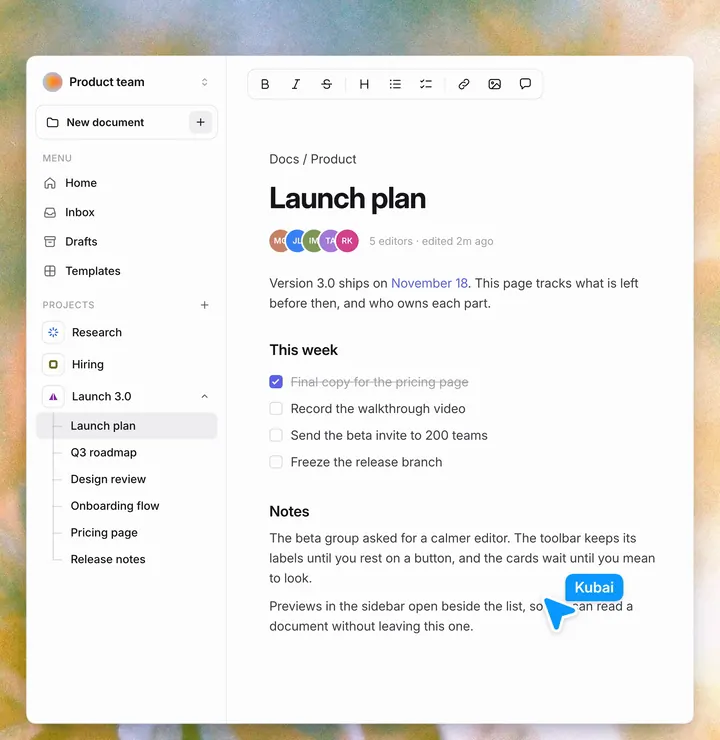
下の Prompt を Claude Code、Codex、Cursor、WorkBuddy などの AI ツールに渡せば、上記4つの原則にもとづいてプロジェクト内のホバー操作を洗い出し、改善まで進めます。
Review everything in my product that opens on hover, and decide for each one how long it waits before it opens, how long it stays once the pointer leaves, and what happens when the pointer moves on to the next one. Then, if I want it, change the ones I approve. This is about judgment first: diagnose and recommend, and change only what I approve.

This is a change to my product, not a demo. Work inside my code, on my stack, with my components, tokens and motion. Do not add a dependency without asking. Every value below is a default to start from.

The rule behind all of it: the larger an overlay is, the more of the page it covers and the more there is to click inside it, the longer it waits before it opens and the longer it stays when the pointer leaves. Once the person has shown they want to look, stop making them wait.

0. Read the product first
- Find everything that opens on hover: tooltips on icon buttons and on cut-off text, hover cards (people, links, mentions, tags), previews (a document or file beside a list, a link preview, an image enlarged on hover, a panel that opens from a navigation item), and menus or submenus that open on hover.
- For each one, note: what triggers it and how close the triggers sit to each other (a toolbar, a row of avatars, a list); how big the overlay is and what it covers; whether there is anything to click inside it; how far it sits from its trigger; and how it is timed today (no delay, one fixed delay, its own timers, a library's defaults).
- Find the shared pieces: a Tooltip, HoverCard or Popover component, the library behind them if any (Radix, Floating UI, Headless UI, MUI, Ant Design, a hand-written hook), the timers they use, and how touch and keyboard are handled.
- Tell me in a few lines what you found before going on.

1. Sort each one by size
a. Label: a tooltip. A few words, nothing to click.
  - Opens after the pointer has rested on the trigger for 500ms. Moving to another trigger starts the wait again.
  - Once one label is showing, moving to a neighbour shows its label at once. While the pointer is still inside the group (a toolbar, including the gaps between buttons), the label moves to the new trigger and changes its text in place: no fade out and back.
  - Leaving the group hides it at once. For 400ms after that, the next label in the group still shows at once; after that, the 500ms wait is back.
  - Pressing the trigger hides its label, and it does not show again until the pointer has left that trigger.
b. Card: a hover card with buttons or links in it (Follow, Message, Open).
  - Opens after 700ms on the trigger.
  - Leaving the trigger or the card starts a 300ms grace time; coming back within it keeps the card open.
  - The gap between the trigger and the card counts as the card: cover it with an invisible area as wide as the card, so crossing it never starts the grace time.
  - While a card is open, resting on another trigger of the same kind swaps the card's content in place (see 2): the card slides to its new trigger and its content cross-fades; it does not close and open again.
  - Escape or a click outside closes it at once.
c. Preview: a large panel that covers part of the page (a document beside a list, a link or file preview).
  - Opens after 900ms on the trigger.
  - Leaving starts a 400ms grace time. The list, the panel and any gap between them all count as inside.
  - Rows the pointer crosses quickly on its way to the panel do not count (see 2); resting on another row swaps the panel's content in place.
d. Should not open on hover at all: anything whose main job is an action, anything that needs typing, and menus that are a choice rather than a glance. Open those on click, and say which ones these are.
Pick the kind by what the overlay is, not by what component it uses today: a "tooltip" with a button in it is a card.

2. Reading the pointer
- Keep the pointer's last few positions and work out its speed over the last 90ms. It is moving fast above about 0.1px per ms (10px in 100ms); below that it is slowing down or resting.
- Waiting to open: the timer starts when the pointer enters a trigger and starts again whenever it enters another one, so a pointer passing over a row of triggers opens nothing.
- Swapping while open: another trigger takes the open card or preview only after the pointer has been slow on it for about 60ms (about 100-150ms after it stops). Triggers crossed fast are passed over.
- When the panel sits to one side and the person may move at an angle across other triggers, the speed check is usually enough. If it is not, add a safe triangle from the pointer to the panel's near edge, as for cascading menus.
- All timers run on one clock, are cancelled when the pointer moves on, and are cleared when the component unmounts. Only one overlay of each kind is open at a time.

3. Rules for every one
- Motion: a label fades in over about 140ms and out over 60ms; a card fades in with a 4px drop over about 200ms and out over 120ms; a preview fades in with an 8px slide over about 250ms and out over 140ms. Swaps in place cross-fade over about 200ms. Closing is always faster than opening.
- Nothing around the trigger moves when an overlay opens or closes.
- Keyboard: focus on a trigger shows its label at once; a card or preview opens on Enter or after the same delay as hover; Escape closes it and returns focus to the trigger. Labels are linked with aria-describedby.
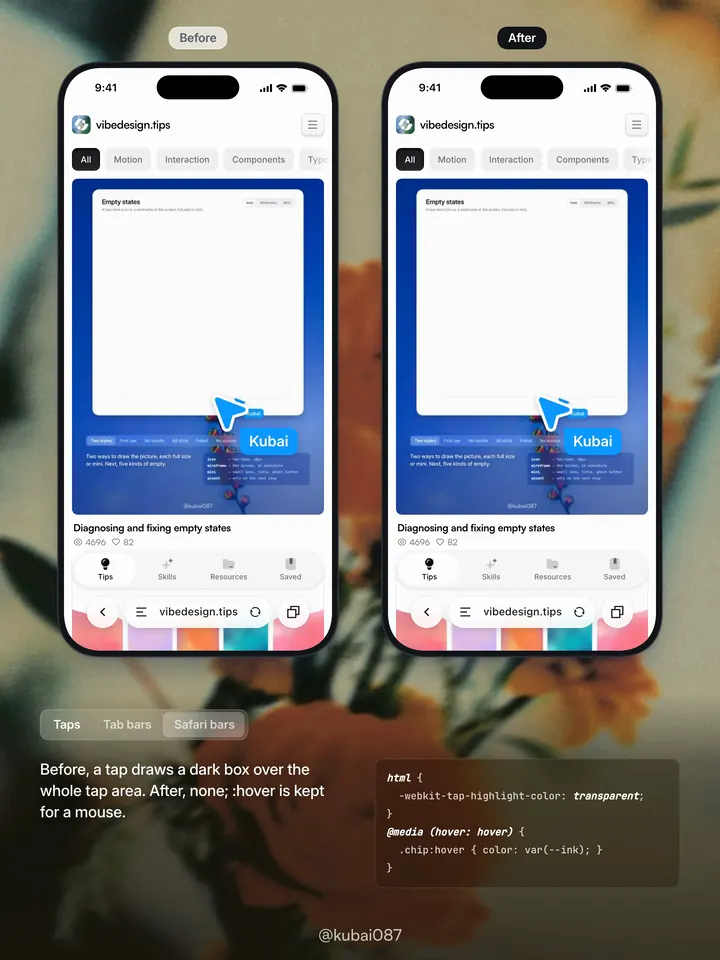
- Touch has no hover. Under @media (hover: none), labels show on long press or as visible text, and cards and previews open on tap. Keep :hover styles inside @media (hover: hover), so a tapped button does not stay in its hover look.
- Reduced motion: no drop, slide or scale; fades only.
- If the product uses a library, set its own options rather than adding timers next to it. For example: Radix Tooltip.Provider delayDuration 500 and skipDelayDuration 400; Radix HoverCard openDelay 700 and closeDelay 300; Floating UI useHover with delay { open, close } and handleClose: safePolygon() for cards and previews, and useDelayGroup for labels.

4. The report
Before changing anything, give me one table, one row per place:
| Place | Kind (label, card, preview, or click instead) | Today (open delay, close, gap, moving to the next) | Problem | Change | Values |
Then list the shared changes (a hover-intent helper, the library settings) separately from the per-place ones. Ask me which rows to change, and change only those.

5. Check the result
- Sweeping the pointer across a toolbar opens no labels; resting on one opens it after 500ms; moving along the toolbar changes it at once, in place, with no flicker; leaving for more than 400ms brings the wait back.
- A card opens after 700ms, and the pointer can cross the gap and press a button inside it. Slipping out of the card and back within 300ms keeps it open.
- Moving at an angle from a list to its preview, across other rows, never changes the preview. Resting on another row swaps it in place, without closing.
- Touch and keyboard reach everything that hover reaches.