



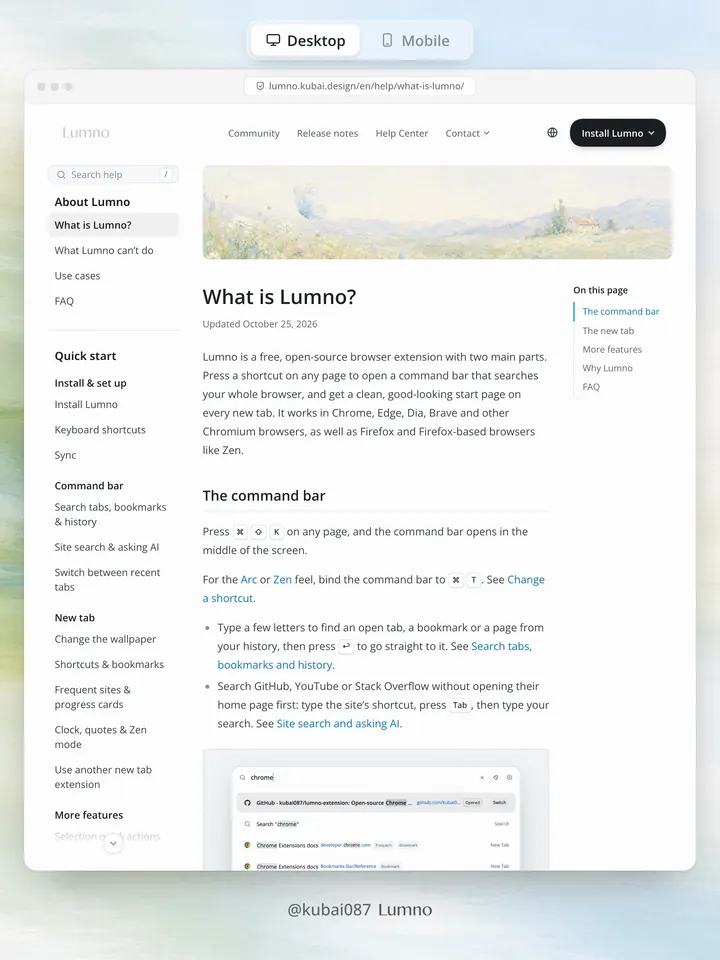


Hover Timing
Правильные задержки для естественного наведения и переключения
Задержки наведения по намерению пользователя: тёплый старт в группе, запас на переход в слой, тайминг по размеру и защита каскадных меню — с живым демо.
Задержка при наведении не должна быть одним жёстко заданным числом: слишком короткая — и курсор по пути задевает всё подряд, а экран мерцает всплывающими слоями; слишком длинная — и интерфейс кажется заторможенным. Хорошее наведение подстраивает время ожидания и запас на ошибку под намерение пользователя.
Тёплый старт внутри группы
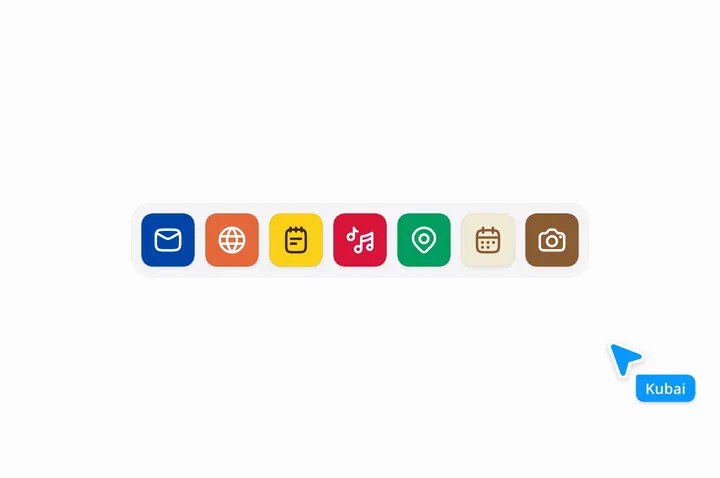
Когда однотипные элементы стоят плотно, первое наведение должно выдерживать задержку прогрева 300–500ms. Она отсекает случайные проходы курсора, и по пути не вспыхивает целая вереница тултипов. Если первая подсказка появилась, значит, пользователь начал осознанно изучать элементы: дальше при переходах внутри группы ожидание пропускается и подсказка показывается сразу, за 0ms. Когда курсор полностью покидает группу и проходит около 400ms, группа «остывает» и возвращается в исходное состояние.
- Где применять: панели инструментов, группы аватаров, нижний Dock и панели навигации
- Параметры: первое наведение 300–500ms, переходы внутри группы 0ms, сброс примерно через 400ms после ухода курсора
Запас на переход в слой
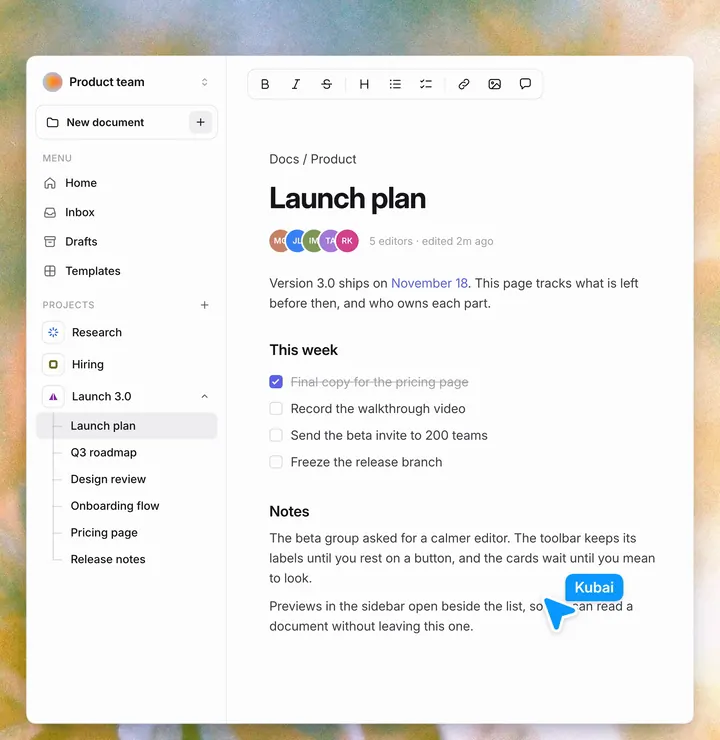
Интерактивный слой, который открывается при наведении и в который нужно зайти, чтобы что-то нажать, ни в коем случае не должен закрываться в тот же миг, как курсор пересёк его границу. Зазор между триггером и слоем закройте невидимым «прозрачным мостиком», чтобы связь не обрывалась на полпути. Кроме того, после выхода курсора из слоя дайте буфер 150–300ms, а для крупных превью — до 400ms: так интерфейс прощает соскользнувшую руку, дрожание курсора или слишком быстрое движение, на мгновение вынесшее его за край.
- Где применять: выпадающие меню, карточки при наведении (Hover Card), всплывающие панели действий
- Параметры: прозрачный мостик над зазором, буфер на выход 150–300ms, для крупных превью 400ms
Скорость по размеру слоя
Порог срабатывания слоя должен расти вместе с тем, насколько он перекрывает страницу и отвлекает от неё. Чем больше площадь и плотнее информация, тем дольше задержка: слой появляется, только когда ясно, что пользователь действительно хочет его увидеть. Лёгкой подсказке в одну строку (например, с горячей клавишей) хватит тех же 300–500ms, что и в первом правиле; карточкам среднего размера вроде профиля — 500–700ms; крупным слоям вроде превью документа или большой мультимедийной карточки — 700–900ms.
- Где применять: однострочные тултипы, большие превью ссылок, слои с подробностями
- Параметры: лёгкие подсказки 300–500ms, карточки 500–700ms, крупные превью 700–900ms
Защита от промахов в каскадных меню
В каскадном меню курсор идёт к подменю справа обычно по диагонали и неизбежно задевает соседние пункты сверху или снизу. Задержка переключения 150–250ms на пересекаемых пунктах не даст подменю смениться на полпути. Чтобы убрать ожидание совсем, добавьте безопасный треугольник, построенный по траектории курсора, — подробнее в 002 Безопасный треугольник.
- Где применять: многоуровневые контекстные меню, каскадная навигация по категориям, вложенные слои
- Параметры: задержка переключения 150–250ms, следующий шаг — безопасный треугольник
Передать задачу AI
Скопируйте Промпт ниже в Claude Code, Codex, Cursor, WorkBuddy или другой AI-инструмент: опираясь на эти четыре правила, он проверит все взаимодействия при наведении в вашем проекте и улучшит их.
Review everything in my product that opens on hover, and decide for each one how long it waits before it opens, how long it stays once the pointer leaves, and what happens when the pointer moves on to the next one. Then, if I want it, change the ones I approve. This is about judgment first: diagnose and recommend, and change only what I approve.

This is a change to my product, not a demo. Work inside my code, on my stack, with my components, tokens and motion. Do not add a dependency without asking. Every value below is a default to start from.

The rule behind all of it: the larger an overlay is, the more of the page it covers and the more there is to click inside it, the longer it waits before it opens and the longer it stays when the pointer leaves. Once the person has shown they want to look, stop making them wait.

0. Read the product first
- Find everything that opens on hover: tooltips on icon buttons and on cut-off text, hover cards (people, links, mentions, tags), previews (a document or file beside a list, a link preview, an image enlarged on hover, a panel that opens from a navigation item), and menus or submenus that open on hover.
- For each one, note: what triggers it and how close the triggers sit to each other (a toolbar, a row of avatars, a list); how big the overlay is and what it covers; whether there is anything to click inside it; how far it sits from its trigger; and how it is timed today (no delay, one fixed delay, its own timers, a library's defaults).
- Find the shared pieces: a Tooltip, HoverCard or Popover component, the library behind them if any (Radix, Floating UI, Headless UI, MUI, Ant Design, a hand-written hook), the timers they use, and how touch and keyboard are handled.
- Tell me in a few lines what you found before going on.

1. Sort each one by size
a. Label: a tooltip. A few words, nothing to click.
  - Opens after the pointer has rested on the trigger for 500ms. Moving to another trigger starts the wait again.
  - Once one label is showing, moving to a neighbour shows its label at once. While the pointer is still inside the group (a toolbar, including the gaps between buttons), the label moves to the new trigger and changes its text in place: no fade out and back.
  - Leaving the group hides it at once. For 400ms after that, the next label in the group still shows at once; after that, the 500ms wait is back.
  - Pressing the trigger hides its label, and it does not show again until the pointer has left that trigger.
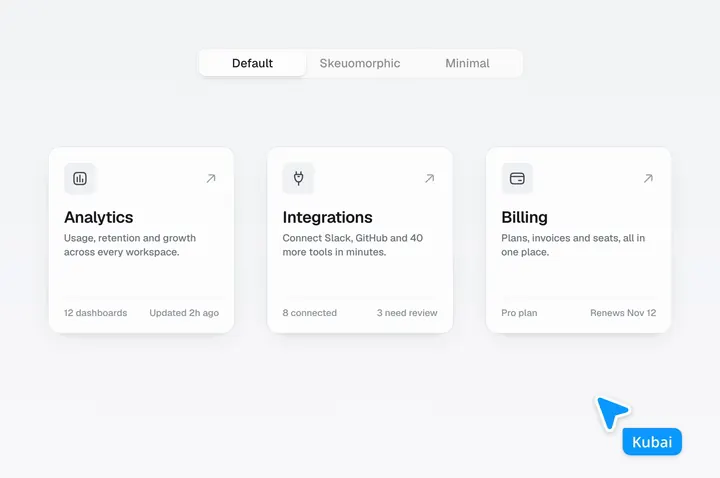
b. Card: a hover card with buttons or links in it (Follow, Message, Open).
  - Opens after 700ms on the trigger.
  - Leaving the trigger or the card starts a 300ms grace time; coming back within it keeps the card open.
  - The gap between the trigger and the card counts as the card: cover it with an invisible area as wide as the card, so crossing it never starts the grace time.
  - While a card is open, resting on another trigger of the same kind swaps the card's content in place (see 2): the card slides to its new trigger and its content cross-fades; it does not close and open again.
  - Escape or a click outside closes it at once.
c. Preview: a large panel that covers part of the page (a document beside a list, a link or file preview).
  - Opens after 900ms on the trigger.
  - Leaving starts a 400ms grace time. The list, the panel and any gap between them all count as inside.
  - Rows the pointer crosses quickly on its way to the panel do not count (see 2); resting on another row swaps the panel's content in place.
d. Should not open on hover at all: anything whose main job is an action, anything that needs typing, and menus that are a choice rather than a glance. Open those on click, and say which ones these are.
Pick the kind by what the overlay is, not by what component it uses today: a "tooltip" with a button in it is a card.

2. Reading the pointer
- Keep the pointer's last few positions and work out its speed over the last 90ms. It is moving fast above about 0.1px per ms (10px in 100ms); below that it is slowing down or resting.
- Waiting to open: the timer starts when the pointer enters a trigger and starts again whenever it enters another one, so a pointer passing over a row of triggers opens nothing.
- Swapping while open: another trigger takes the open card or preview only after the pointer has been slow on it for about 60ms (about 100-150ms after it stops). Triggers crossed fast are passed over.
- When the panel sits to one side and the person may move at an angle across other triggers, the speed check is usually enough. If it is not, add a safe triangle from the pointer to the panel's near edge, as for cascading menus.
- All timers run on one clock, are cancelled when the pointer moves on, and are cleared when the component unmounts. Only one overlay of each kind is open at a time.

3. Rules for every one
- Motion: a label fades in over about 140ms and out over 60ms; a card fades in with a 4px drop over about 200ms and out over 120ms; a preview fades in with an 8px slide over about 250ms and out over 140ms. Swaps in place cross-fade over about 200ms. Closing is always faster than opening.
- Nothing around the trigger moves when an overlay opens or closes.
- Keyboard: focus on a trigger shows its label at once; a card or preview opens on Enter or after the same delay as hover; Escape closes it and returns focus to the trigger. Labels are linked with aria-describedby.
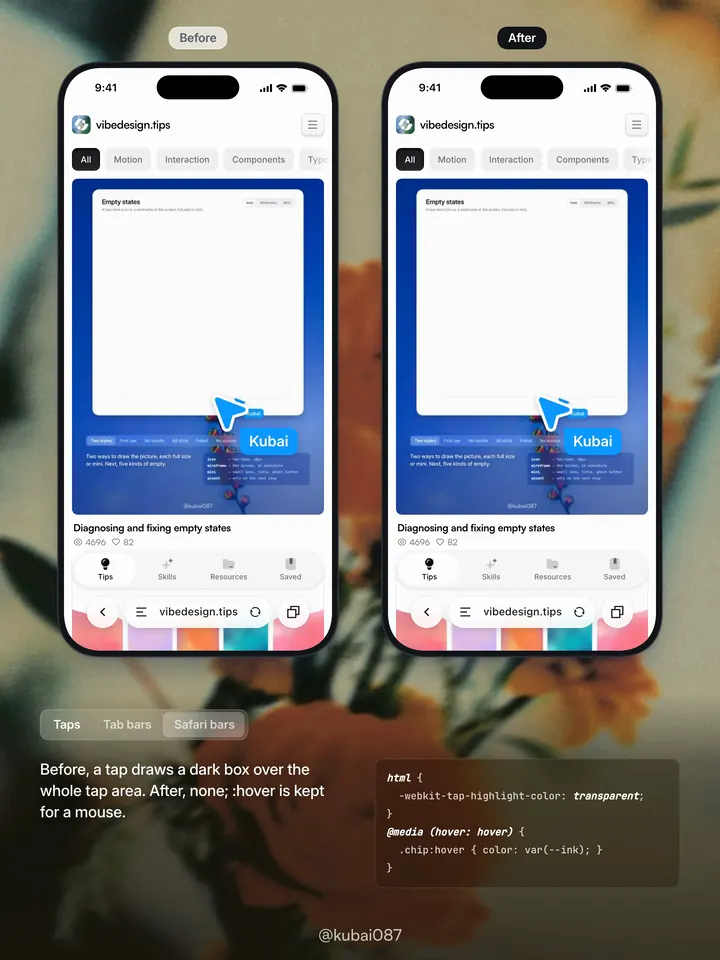
- Touch has no hover. Under @media (hover: none), labels show on long press or as visible text, and cards and previews open on tap. Keep :hover styles inside @media (hover: hover), so a tapped button does not stay in its hover look.
- Reduced motion: no drop, slide or scale; fades only.
- If the product uses a library, set its own options rather than adding timers next to it. For example: Radix Tooltip.Provider delayDuration 500 and skipDelayDuration 400; Radix HoverCard openDelay 700 and closeDelay 300; Floating UI useHover with delay { open, close } and handleClose: safePolygon() for cards and previews, and useDelayGroup for labels.

4. The report
Before changing anything, give me one table, one row per place:
| Place | Kind (label, card, preview, or click instead) | Today (open delay, close, gap, moving to the next) | Problem | Change | Values |
Then list the shared changes (a hover-intent helper, the library settings) separately from the per-place ones. Ask me which rows to change, and change only those.

5. Check the result
- Sweeping the pointer across a toolbar opens no labels; resting on one opens it after 500ms; moving along the toolbar changes it at once, in place, with no flicker; leaving for more than 400ms brings the wait back.
- A card opens after 700ms, and the pointer can cross the gap and press a button inside it. Slipping out of the card and back within 300ms keeps it open.
- Moving at an angle from a list to its preview, across other rows, never changes the preview. Resting on another row swaps it in place, without closing.
- Touch and keyboard reach everything that hover reaches.