
What is Lumno?
Lumno is a free, open-source browser extension with two main parts. Press a shortcut on any page to open a command bar that searches your whole browser, and get a clean, good-looking start page on every new tab. It works in Chrome, Edge, Dia, Brave and other Chromium browsers, as well as Firefox and Firefox-based browsers like Zen.
The command bar
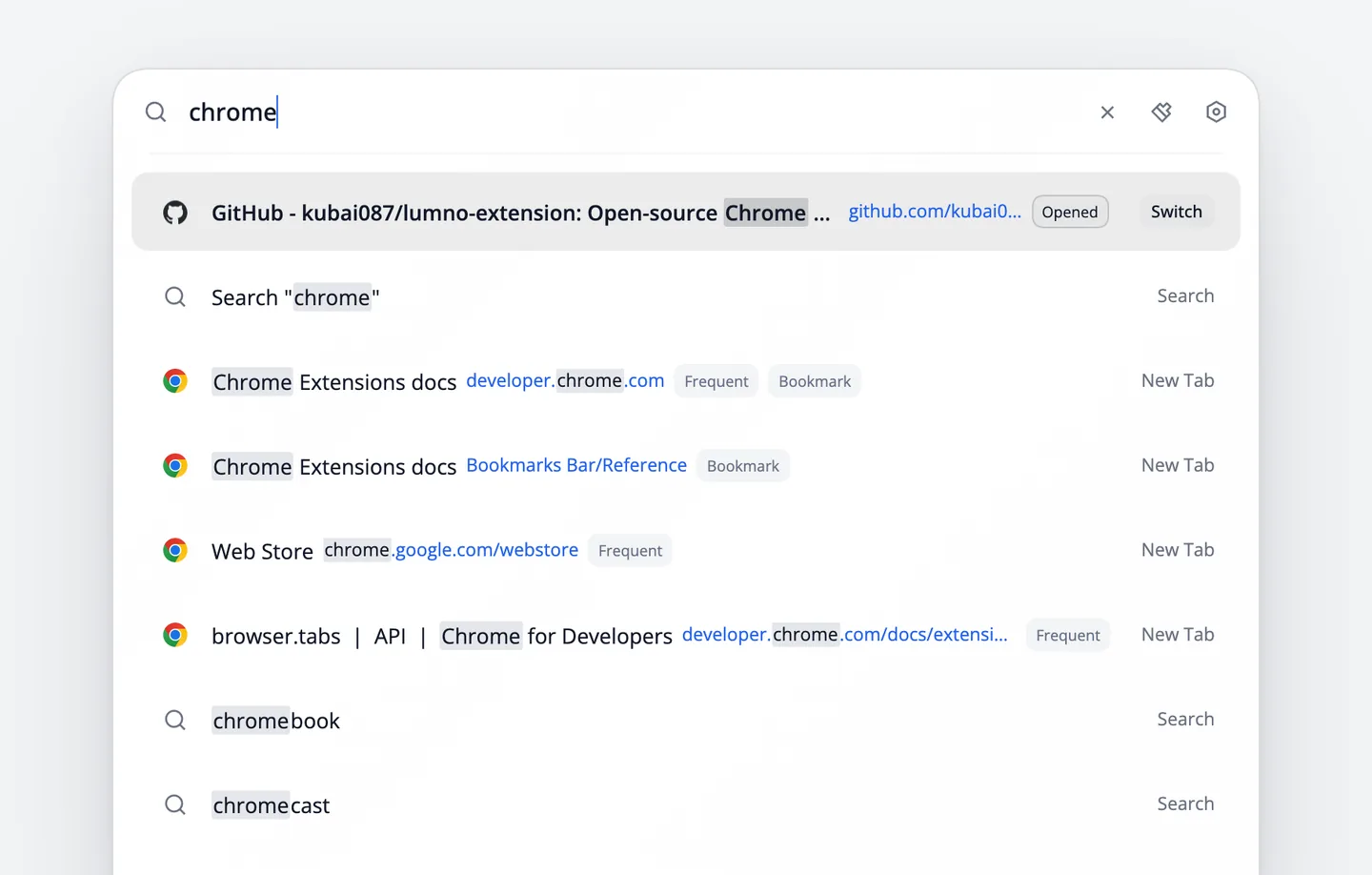
Press ⌘ ⇧ K on any page, and the command bar opens in the middle of the screen.
For the Arc or Zen feel, bind the command bar to ⌘ T. See Change a shortcut.
- Type a few letters to find an open tab, a bookmark or a page from your history, then press ↩ to go straight to it. See Search tabs, bookmarks and history.
- Search GitHub, YouTube or Stack Overflow without opening their home page first: type the site’s shortcut, press Tab, then type your search. See Site search and asking AI.
The new tab
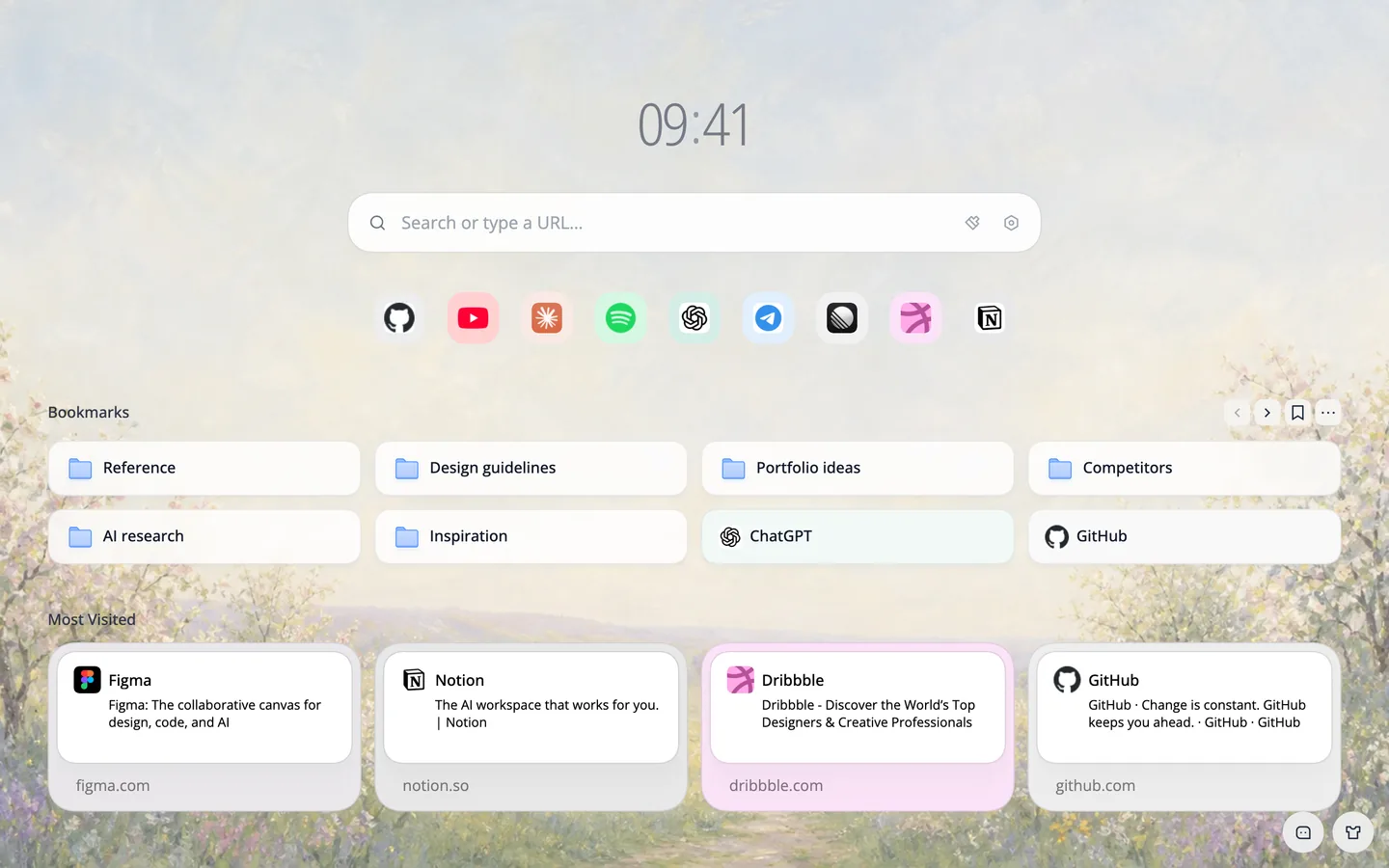
After you install Lumno, the new tab in Chrome and Edge becomes Lumno’s start page: a painting as the wallpaper, your favorite sites, your bookmarks and the places you visit most, all on one screen.
More features
- Selection quick actions: select a passage and have AI answer, translate, explain or summarize it.
- Link preview: Shift-click a link to look at it in a small window over the page.
- Web clip: clip part of a page into a floating picture-in-picture window.
- Auto picture-in-picture: when you leave a YouTube tab, the video keeps playing in a small window.
Why Lumno
- Free and open source: licensed under GPL-3.0, with all the code on GitHub.
- No account needed: Lumno has no sign-up and no servers, and your browsing data stays in your browser.
- No need to switch browsers: get an Arc-style command bar in Chrome, Edge or Dia.
FAQ
Is Lumno free?
Yes. Lumno is open source under GPL-3.0, every feature is free, and there is no account to create.
Which browsers does it work in?
Chrome, Edge, Dia, Brave, Arc, Vivaldi and other Chromium browsers, plus Firefox and Firefox-based browsers like Zen. Safari is not supported.